Draw on any
webpage.
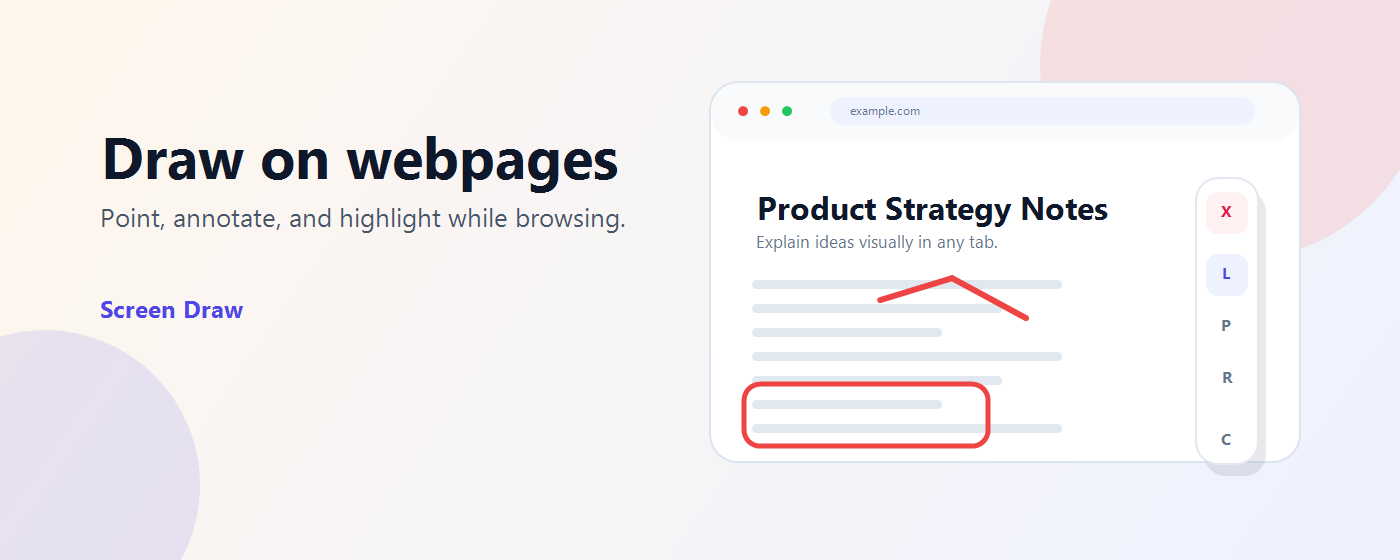
Use a laser pointer, pen, and highlights to explain ideas directly in your browser — no screen recording, no setup.
Tools
Everything you need to explain visually
Laser Pointer
Guide attention during calls, demos, and recordings with a precise glowing dot.
Pen
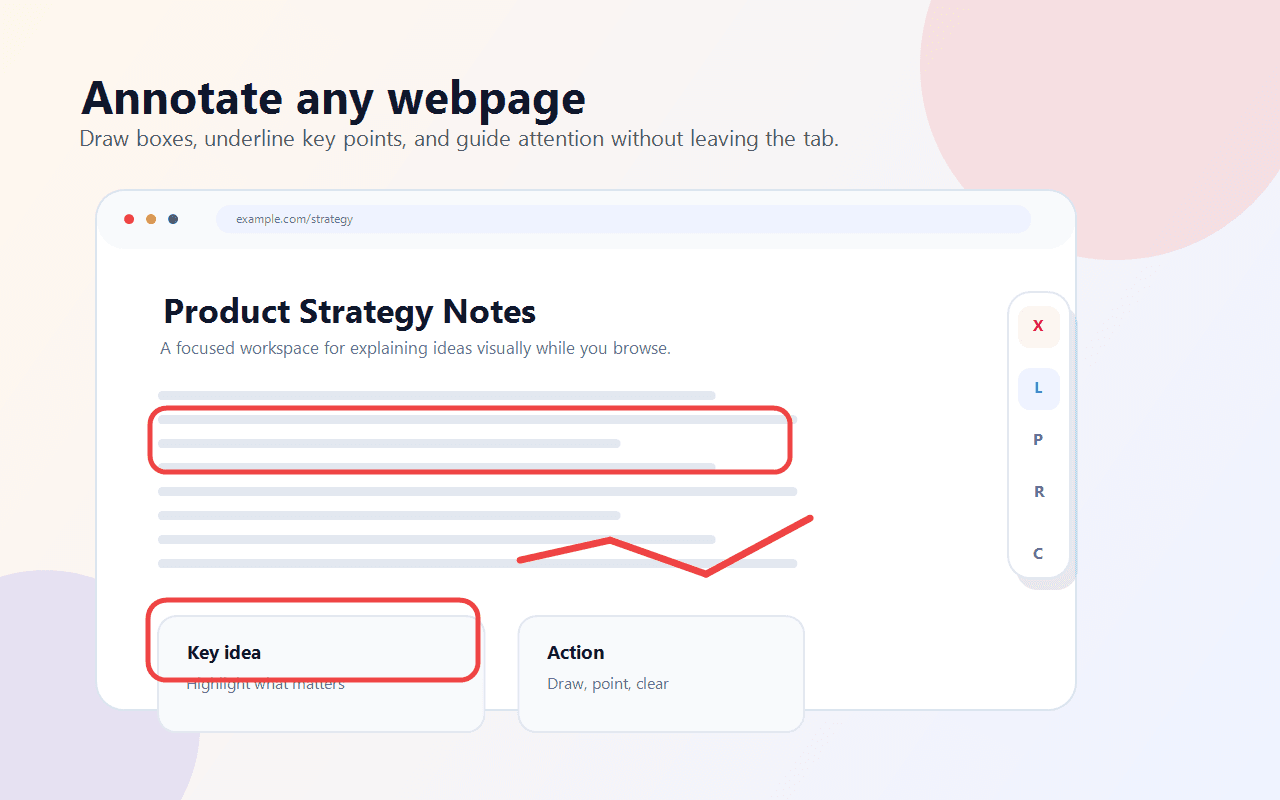
Sketch quick freehand notes anywhere on the page — no limits on where you draw.
Rectangle
Frame the exact section you want people to notice and highlight important areas.
How it works
Up and running in seconds
Install Screen Draw
Add it to Chrome from the Web Store in one click.
Open any regular webpage
Navigate to any site you want to annotate.
Activate the overlay
Click the extension popup to enable drawing mode.
Draw, point, and clear
Use your tools. Clear annotations instantly when done.
Keyboard Shortcuts
Stay in flow
Note: Screen Draw works on regular webpages only. It may not work on Chrome internal pages, the Chrome Web Store, or restricted browser pages.
Privacy
Simple and privacy-conscious
No account. No tracking. No hidden agenda.
Need help?
Something not working? Have feedback? We'd love to hear from you.